You haven't signed in yet, you can have a better experience after signing in
Xterminal Professional SSH Client Development Tool Software 
Activity Rules
1、Activity time:{{ info.groupon.start_at }} ~ {{ info.groupon.end_at }}。
1、Activity time:cease when sold out。
2、Validity period of the Group Buying:{{ info.groupon.expire_days * 24 }} hours。
3、Number of Group Buying:{{ info.groupon.need_count }}x。
Please Pay Attention
1、Teamwork process: Join/initiate a Group Buying and make a successful payment - Within the validity period, the number of team members meets the activity requirements - Group Buying succeeded!
2、If the number of participants cannot be met within the valid period, the group will fail, and the paid amount will be refunded in the original way.
3、The number of people required and the time of the event may vary among different products. Please pay attention to the rules of the event.
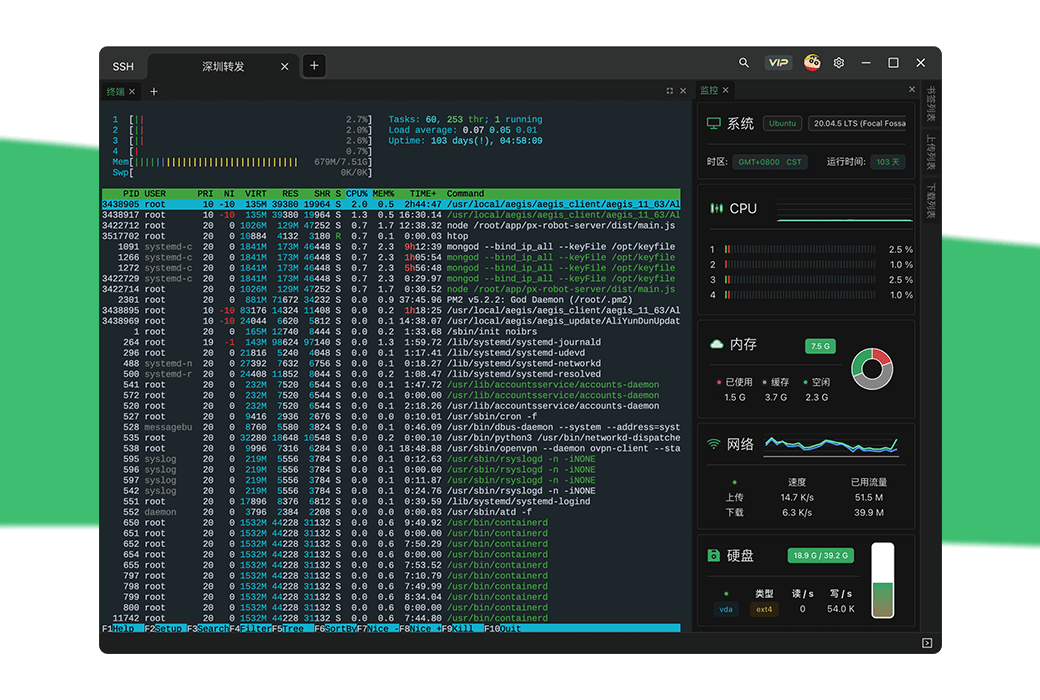
Not only is it a powerful SSH tool, but it also provides a local console and more to come
The development related features launched allow you to focus on creating excellent code
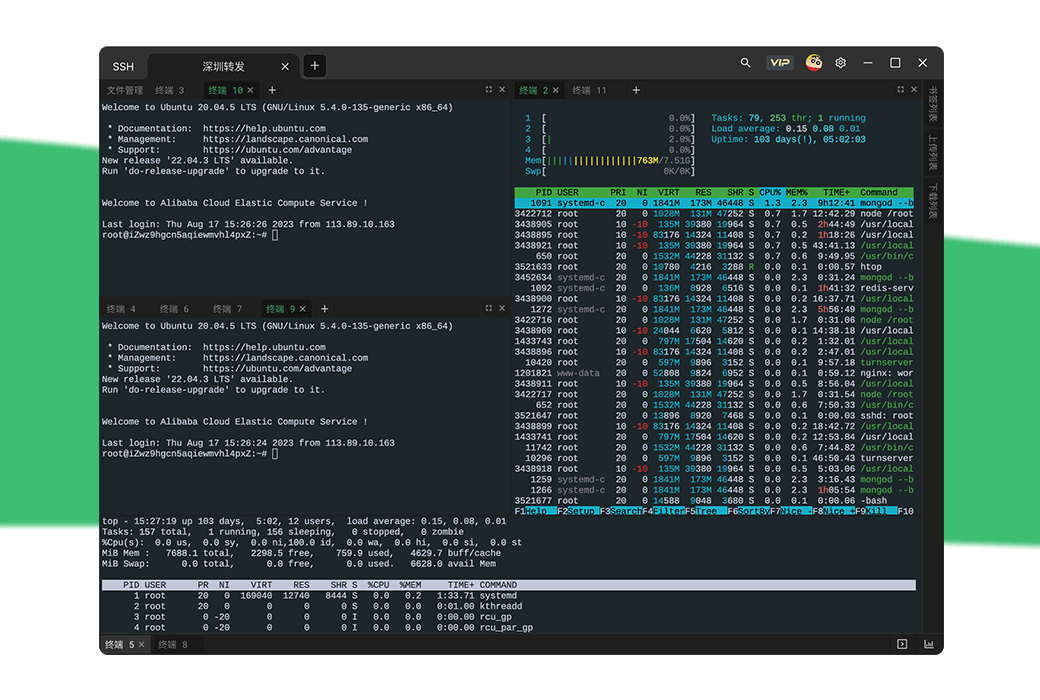
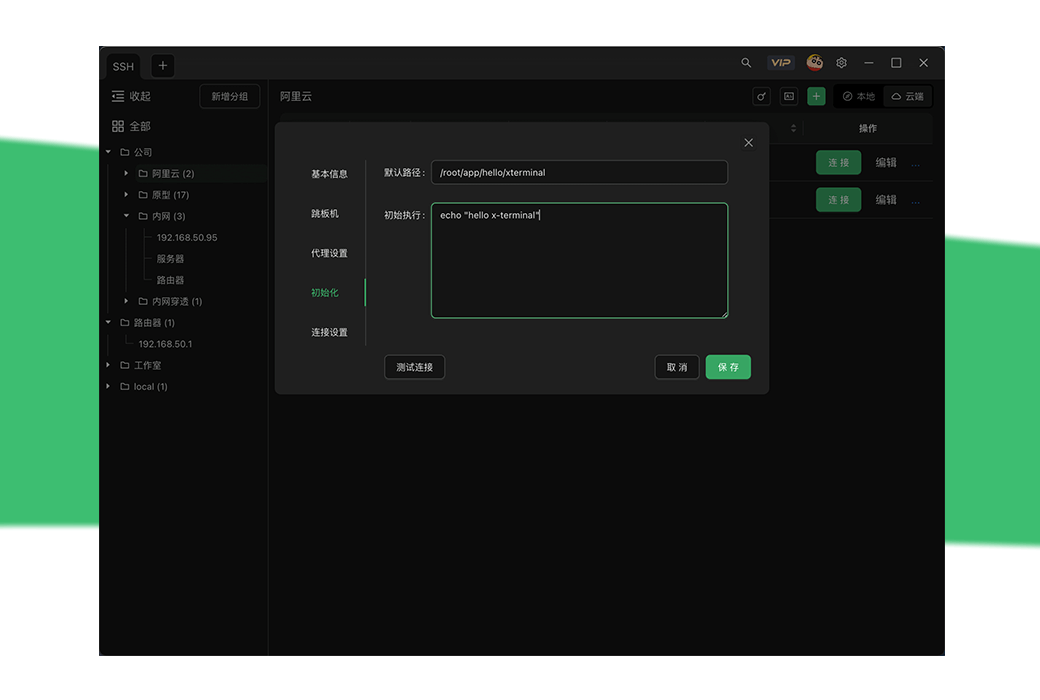
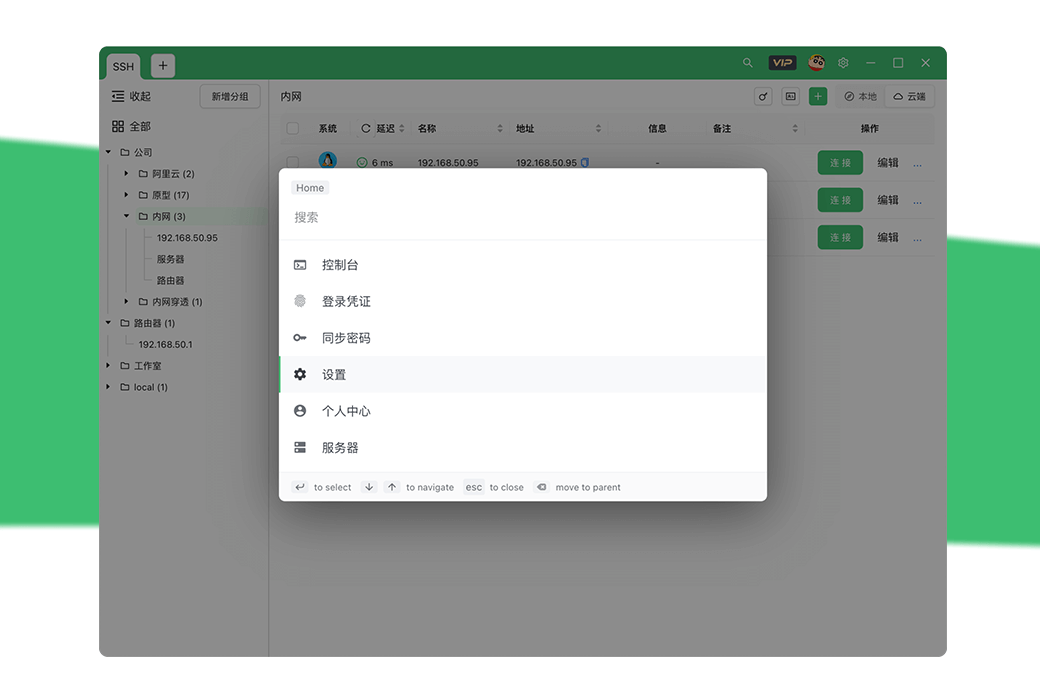
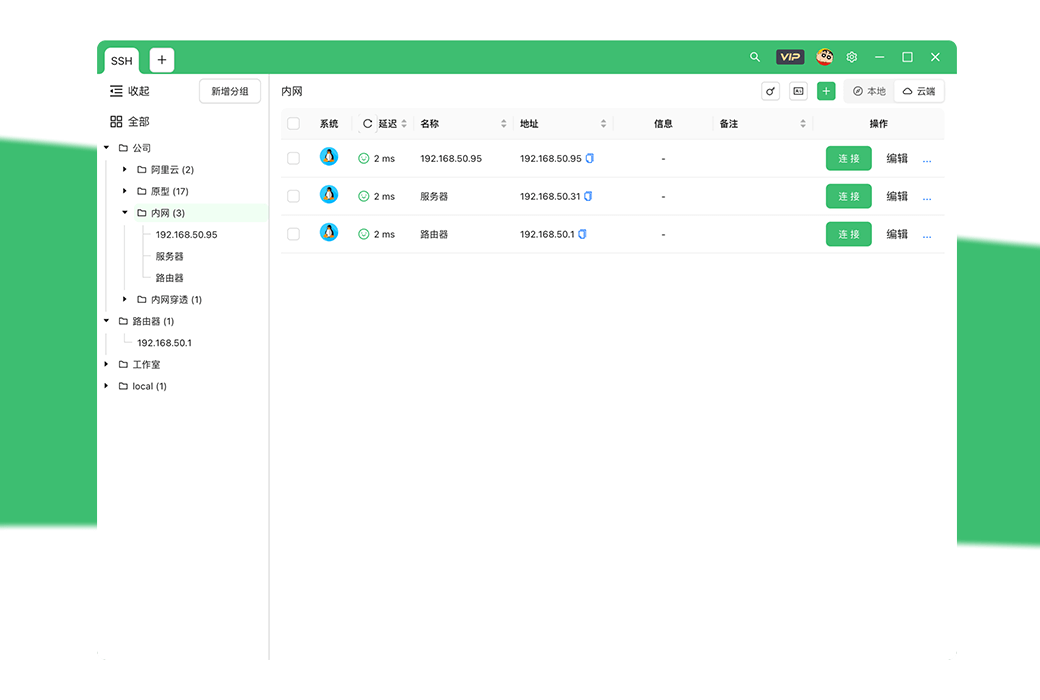
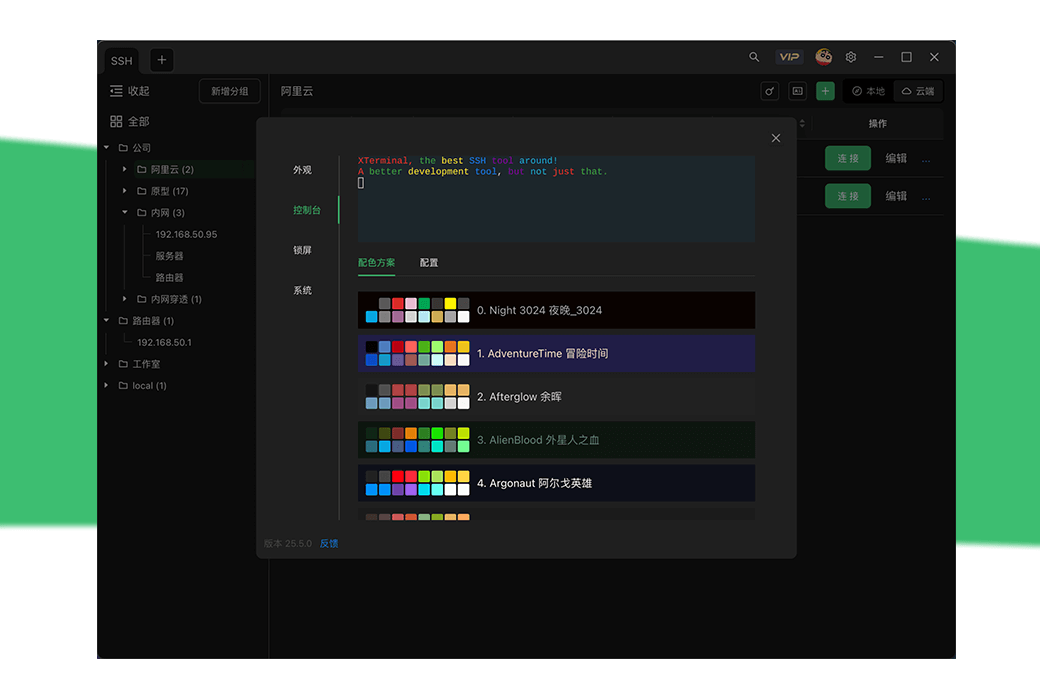
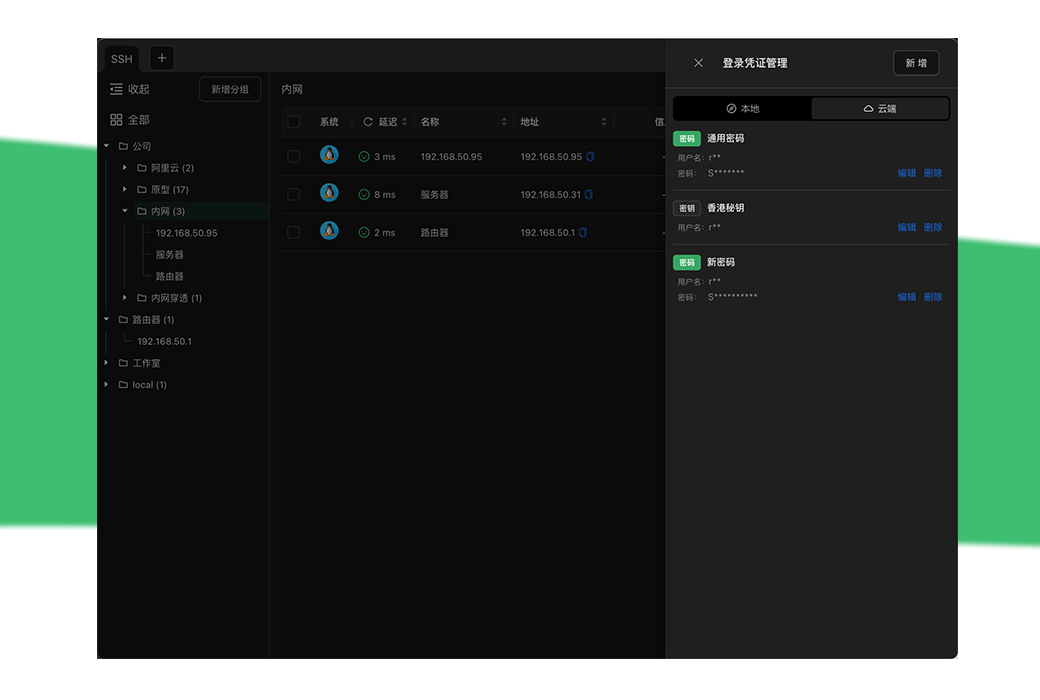
App、 Quick actions, multi-level grouping, dazzling colors, login credentials
AI empowerment, intelligent command prompts, decompression for the brain
AI answers, AI prompts, command prompts, translation
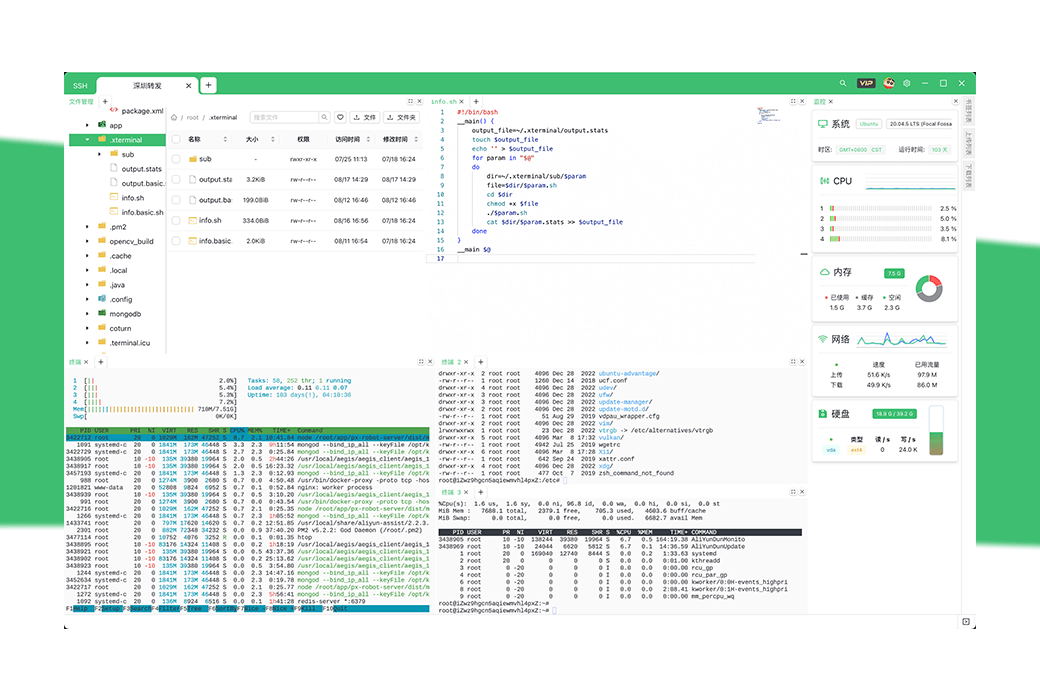
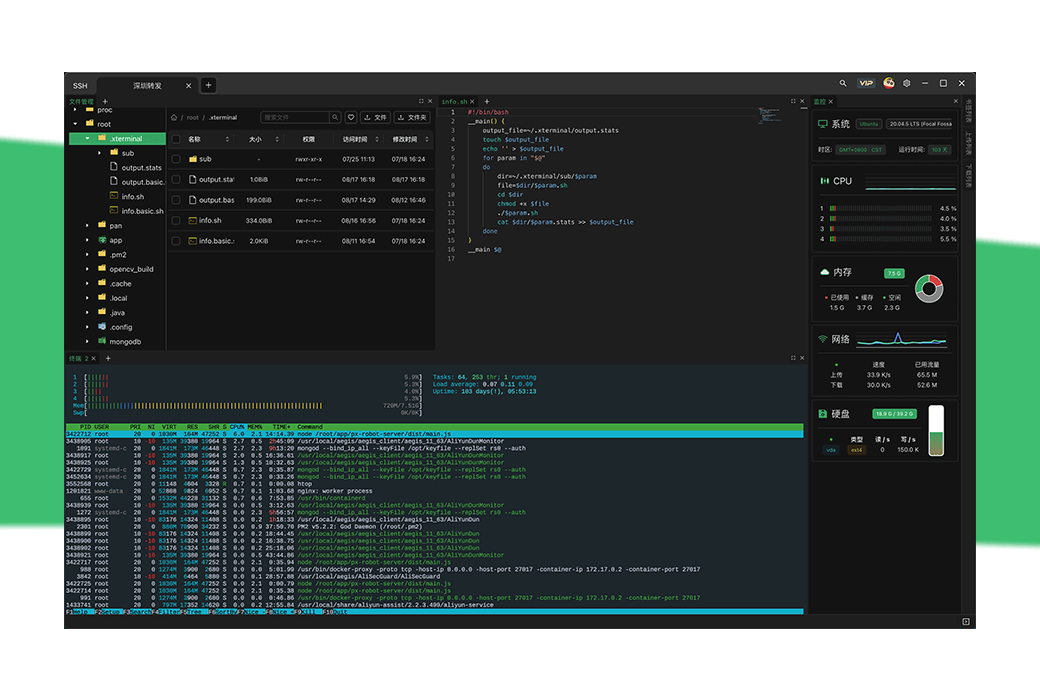
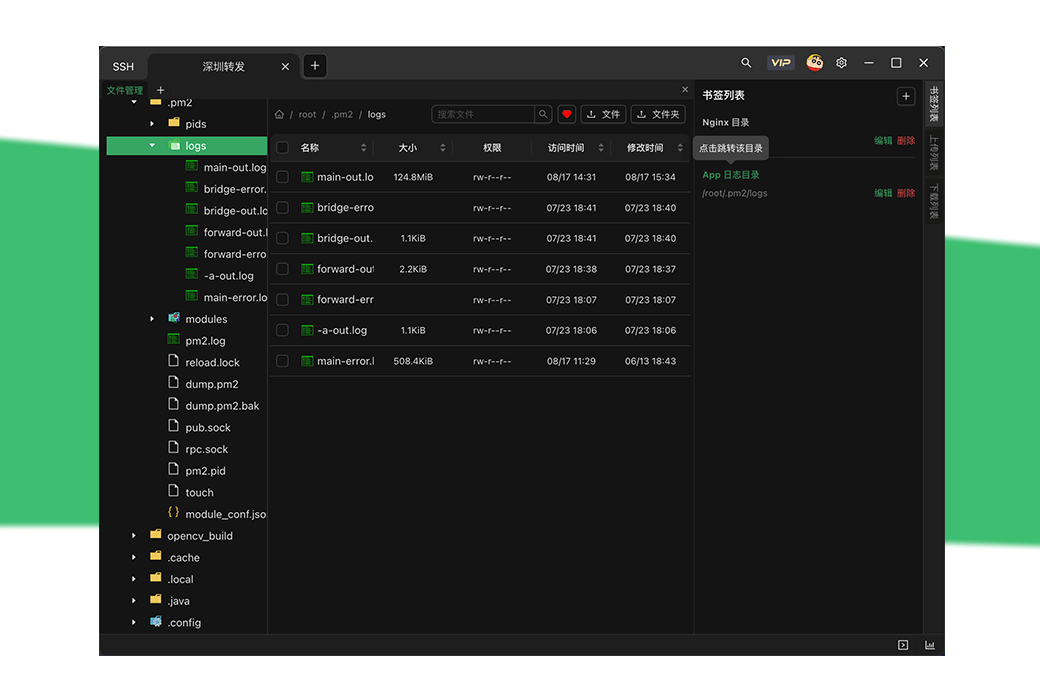
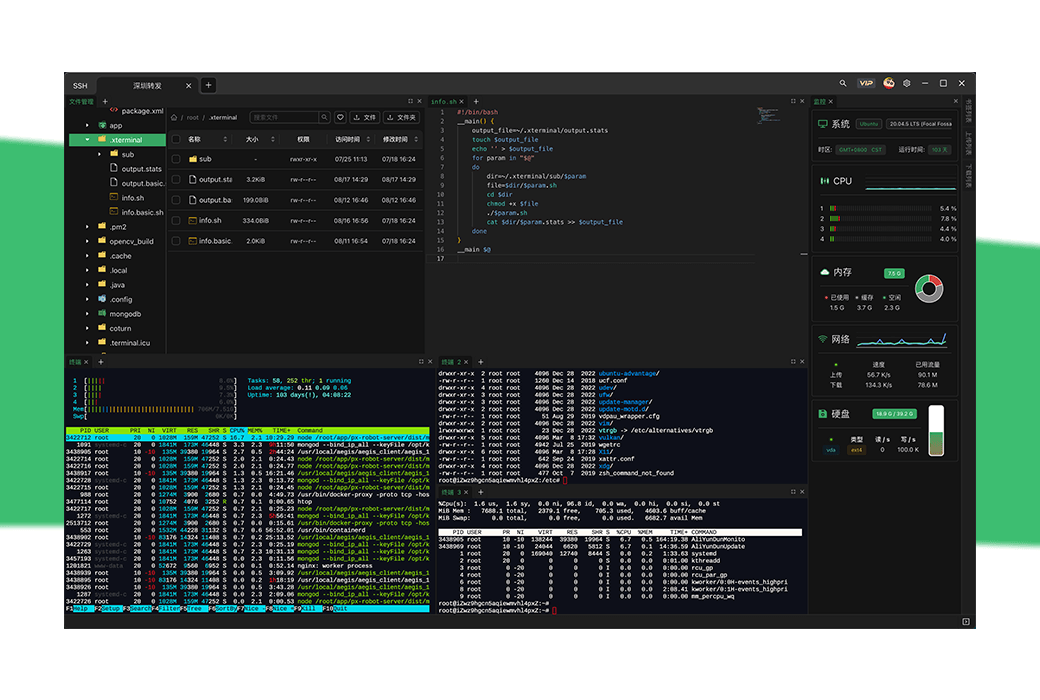
Customized layout, easy operation of files and real-time system monitoring
SSH、 Monitoring panel, custom layout, bookmark jump, proxy

Official Website:https://www.xterminal.cn/
Download Center:https://xterminal.apsgo.cn
Delivery Time: Automatic delivery within 24 hours
Operating Platform: Windows, macOS, Linux
Interface Language: Supports Chinese interface display, with multiple languages available.
Update Instructions: Use and update within the validity period. Permanent · Diamond VIP users can use permanently and support lifelong updates and upgrades.
Trial Before Purchase: Free trial available before purchase.
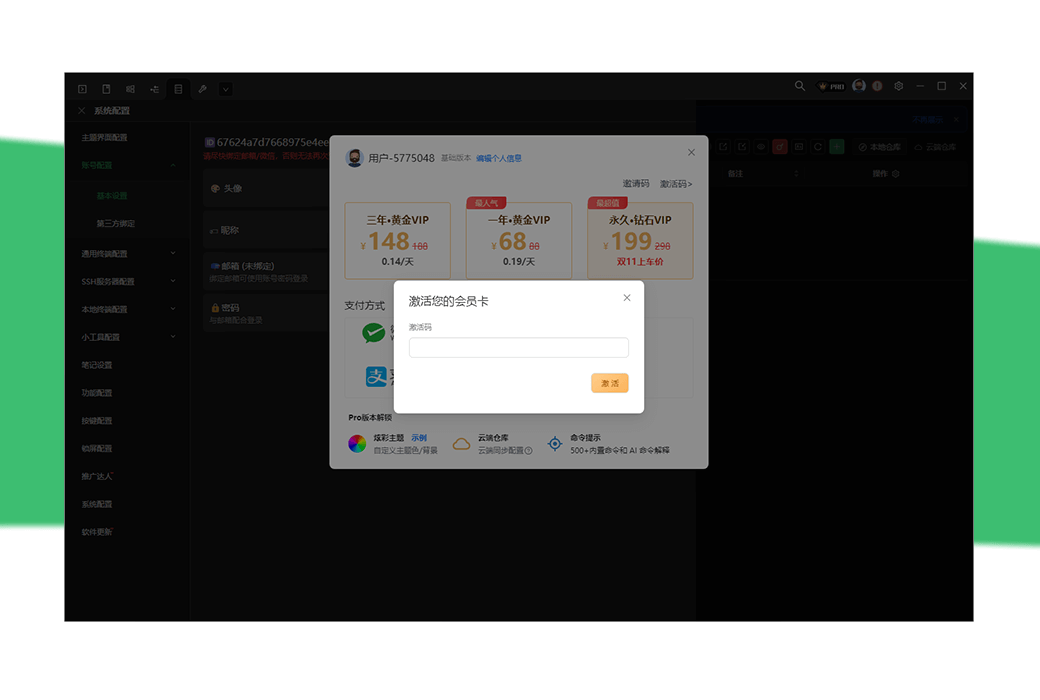
How to Receive the Product: After purchase, the activation information will be sent to the email used for ordering, and you can also view the corresponding product activation code in your personal center, My Orders.
Number of Devices: Unlimited installation of devices.
Changing Computers: Uninstall on the original computer and log in with the account on the new computer for activation.
Activation Guide: To be added. Open the Xterminal software, register and log in to the account, click on "Activation Code" to copy and paste the activation code, and activate the account.
Special Instructions: To be added.
References:https://www.yuque.com/u64817/isrom7

Any question
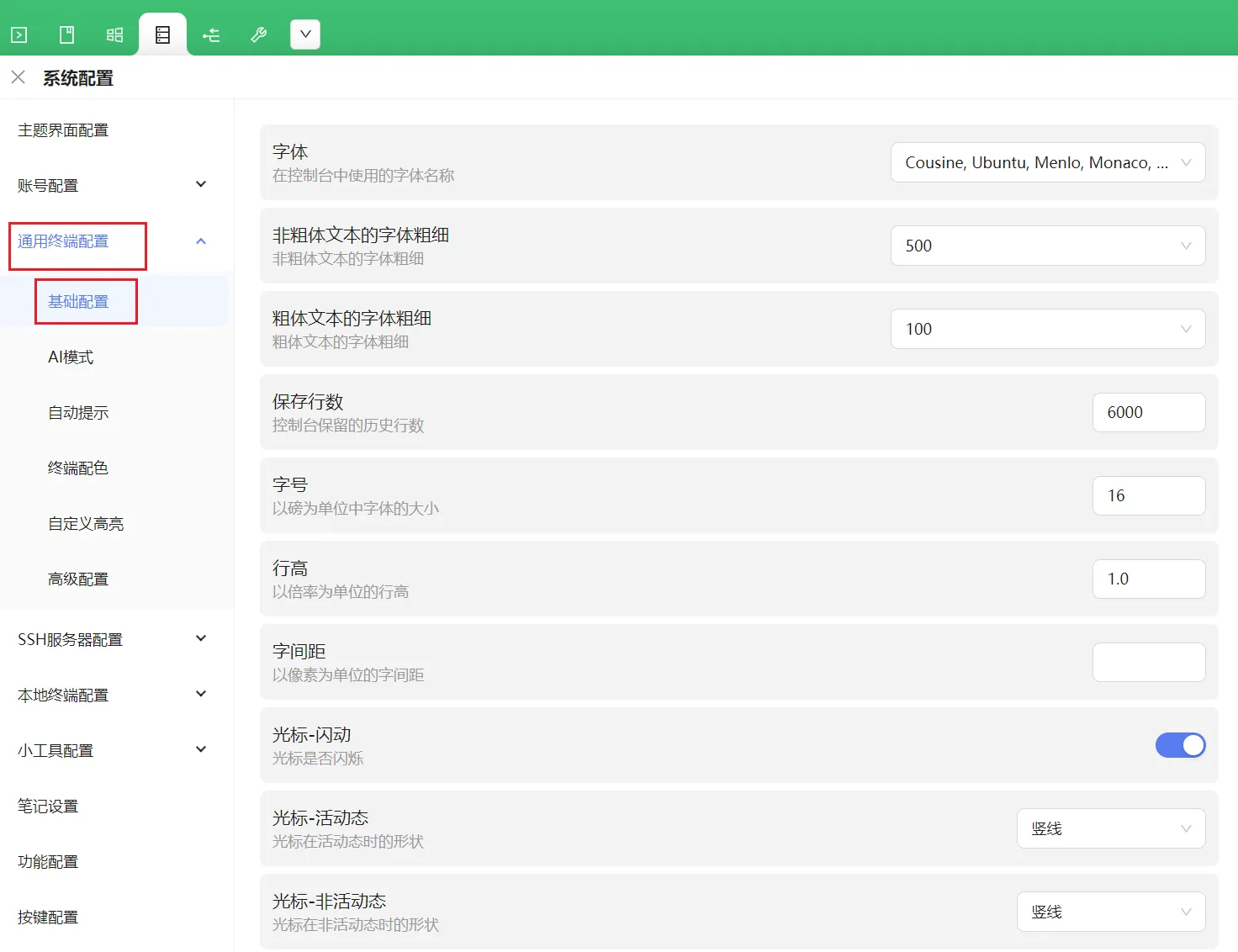
basic configuration

Font: Set the terminal font.
Font thickness for non bold text: Set the font thickness for non bold text.
Font Thickness for Bold Text: Set the font thickness for bold text.
Save Rows: The number of historical rows retained by the console.
Font size: Set the terminal font size.
Row height: Set the row height for console output.
Word spacing: Set the word spacing for console output.
Cursor flashing: whether the cursor flashes on/off.
Cursor dynamic: Change the shape of the cursor dynamic, vertical line/underline/solid box.
Cursor - inactive dynamic: Change the shape of the cursor's active dynamic, vertical line/underline/solid box/outline/none.
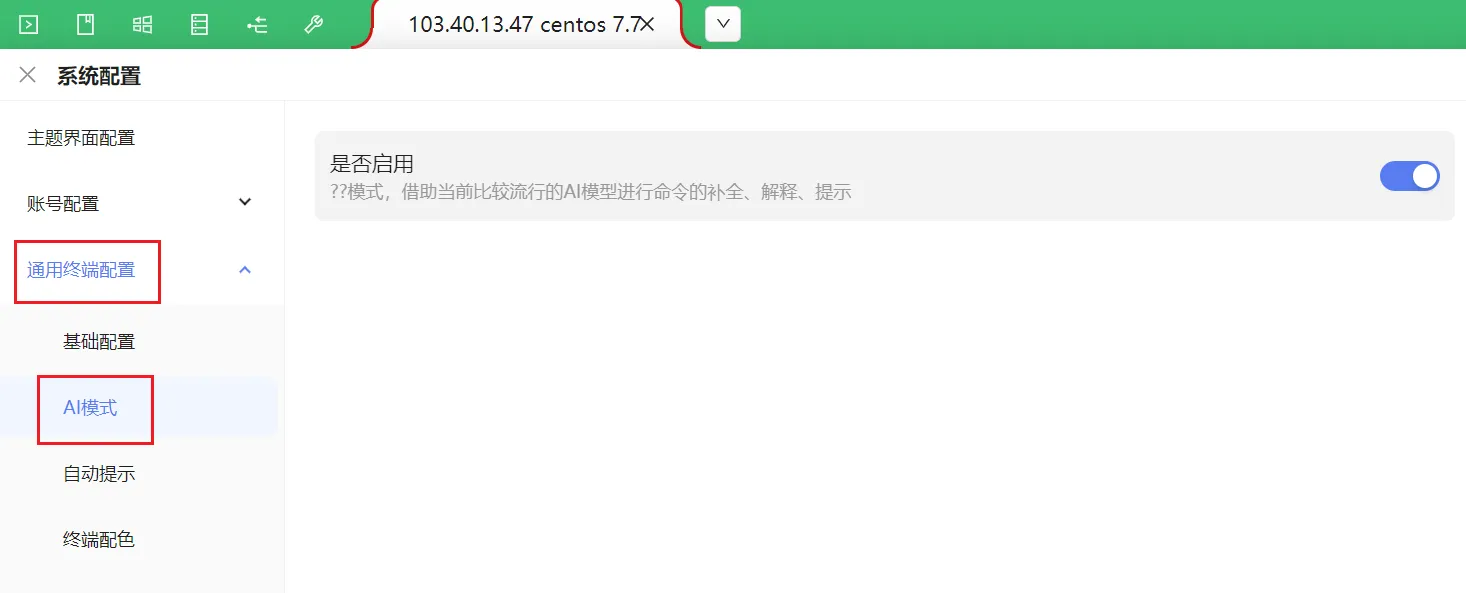
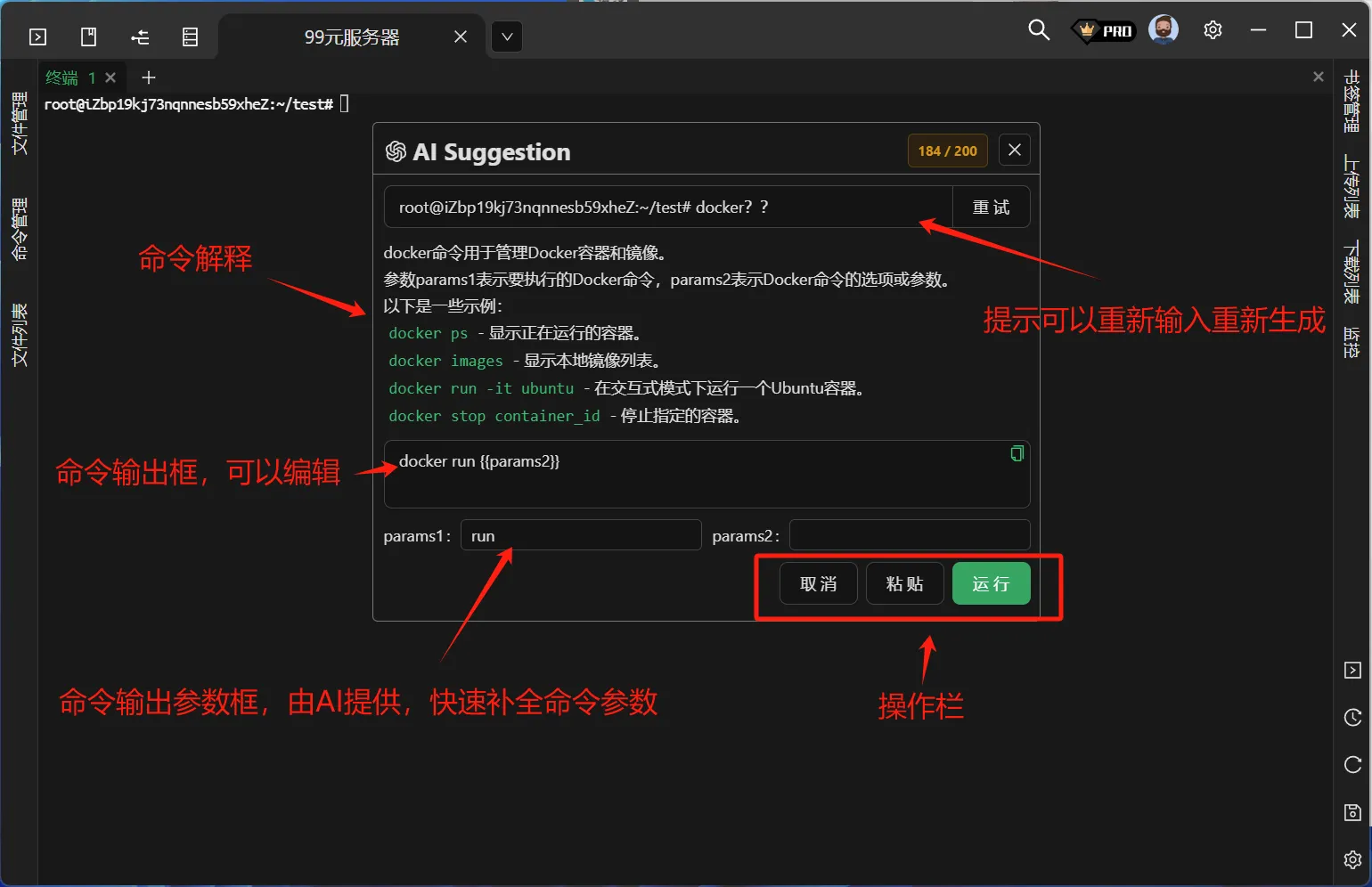
AI mode:https://www.yuque.com/u64817/isrom7/bhpgngc1ip9r0ttbFor detailed answers, please refer to the link.

After activating AI mode, enter commands on the terminal?? It will prompt commands.

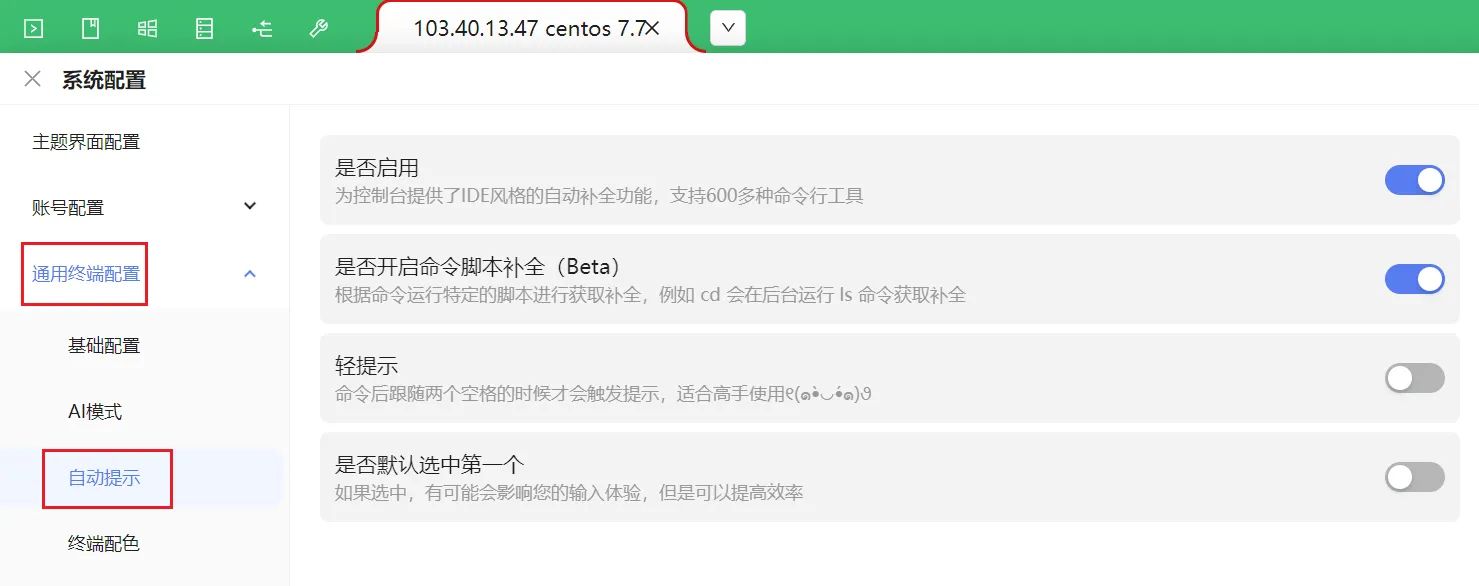
Automatic prompt

Enable: Provides IDE style auto completion functionality for the console, supporting over 600 command-line tools.
Whether to enable command script completion: Run a specific script based on the command to obtain completion, for example, cd will run the ls command in the background to obtain completion.
Light reminder: The prompt will only be triggered when two spaces follow the command.
Is the first option selected by default.
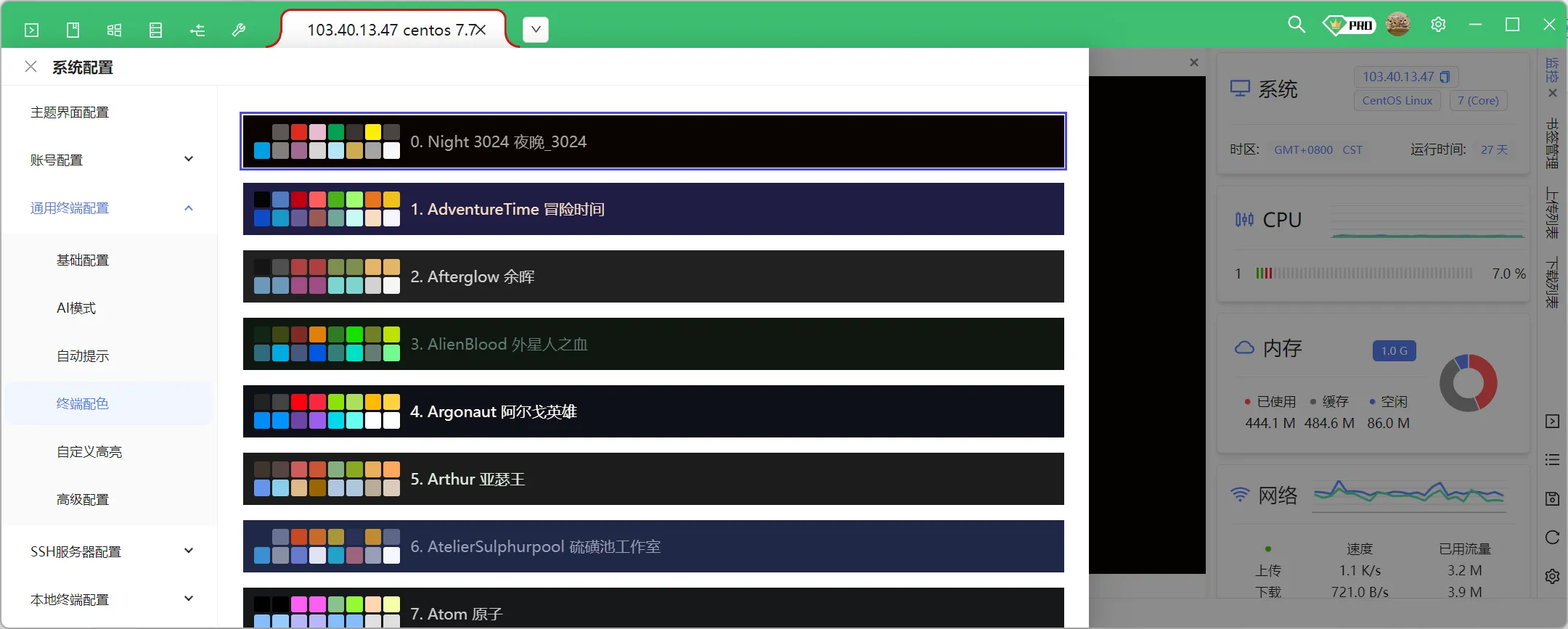
Terminal color scheme

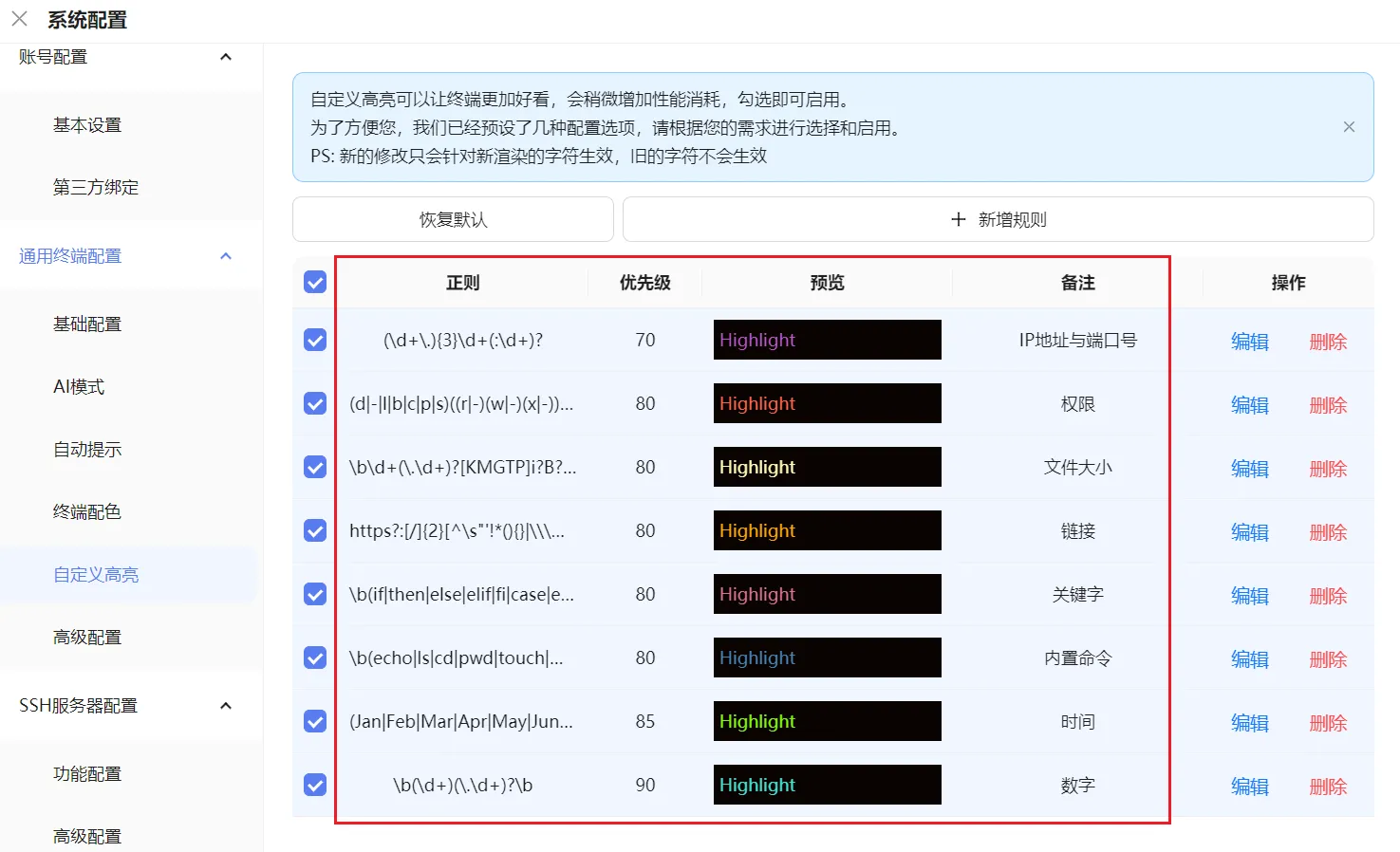
Custom Highlighting

Use regular expressions here to set the corresponding data format and color, such as blue for numbers. After outputting numbers on the console, the numbers will be highlighted in blue.